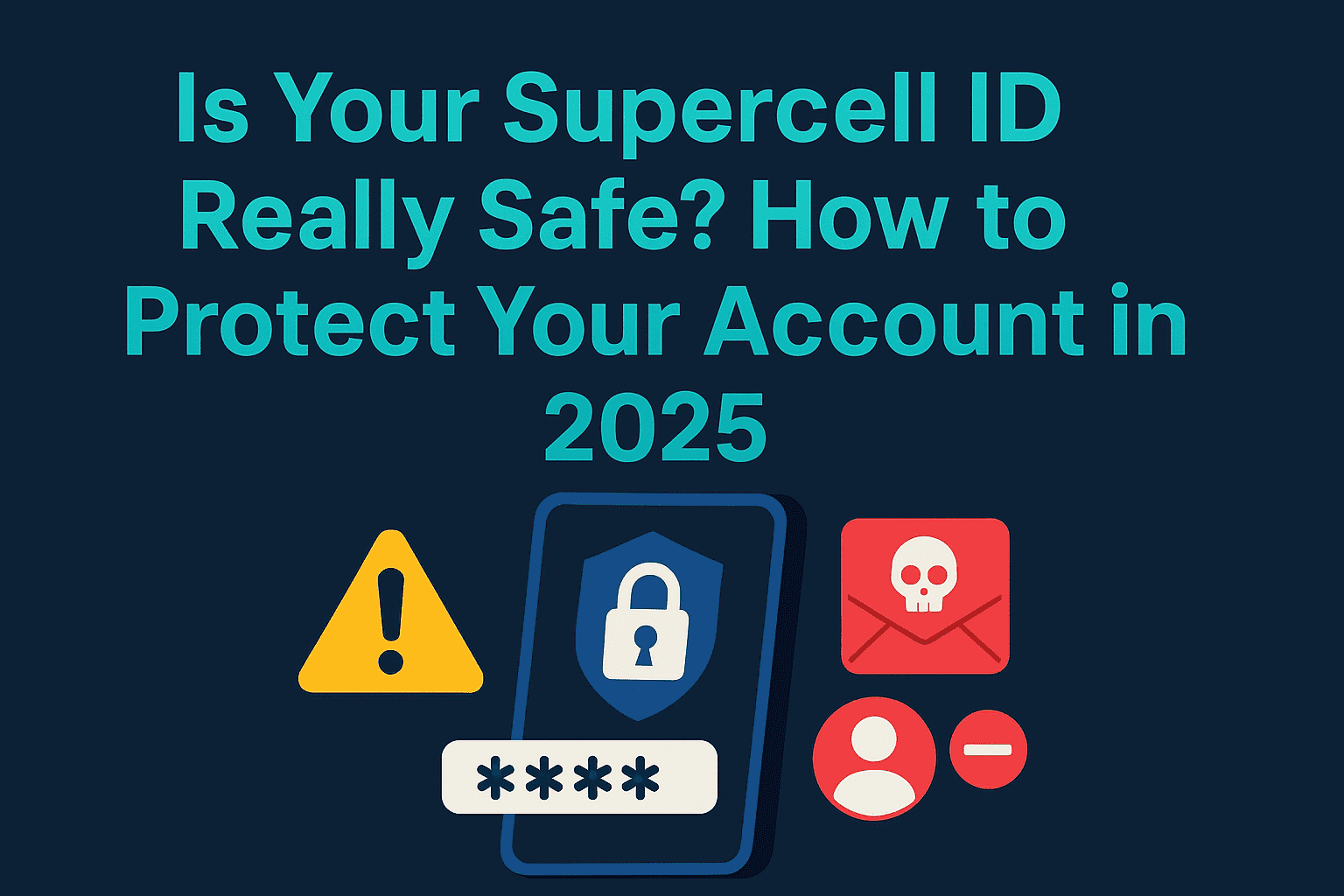
If you’re playing games like Clash of Clans, Brawl Stars, or Clash Royale, your Supercell ID holds a lot more than just login information—it stores years of gaming progress, rare in-game items, and possibly hundreds of dollars’ worth of virtual currency. In 2025, with cyber threats on the rise and hackers targeting gaming accounts more than ever, your Supercell ID has become a digital asset worth protecting.
In this complete guide, we’ll walk you through everything you need to know about Supercell ID security—why it matters, what threats you face, and most importantly, how to defend your account like a pro.
What Is Supercell ID and Why You Need One
Supercell ID is a free login system developed by Supercell to help players save progress and switch between devices without losing their game data. It supports all major Supercell games, including:
- Clash of Clans
- Brawl Stars
- Clash Royale
- Hay Day
- Boom Beach
Instead of using passwords, Supercell ID sends you a unique code via email each time you log in. This eliminates the need for memorizing passwords and minimizes the chances of being hacked via password guessing.
Why players use Supercell ID:
- Easily switch between devices
- Manage multiple accounts on one device
- Prevent progress loss
- Sync across Android and iOS platforms
- Enable additional account protection features
How to Set Up a Supercell ID (Securely)
Setting up your Supercell ID is simple:
- Open any Supercell game
- Go to Settings > Supercell ID
- Enter your email address
- Verify with the 6-digit code sent to your inbox
To make your account more secure, activate Supercell’s built-in Account Protection feature:
- Tap the gear icon in the Supercell ID menu
- Select “Account Protection”
- Activate SMS verification and save your recovery codes in a secure location
Important: Your Supercell ID is only as secure as the email it’s linked to. Make sure your email account has two-factor authentication (2FA) enabled. Follow Google’s 2FA setup guide.
The Biggest Threats to Supercell ID Security in 2025
1. Phishing & Smishing Attacks
Hackers are targeting mobile gamers through SMS and email phishing (a.k.a. \”smishing\”). These attacks often promise free gems or exclusive skins and link to fake login pages.
Protect yourself:
- Never enter your login code or email on unofficial sites
- Don’t click suspicious links from text messages
- Report phishing attempts to Supercell support
Learn more about phishing: Norton Phishing Guide
2. Weak or Reused Passwords
While Supercell ID doesn’t use traditional passwords, your email does. Using weak or repeated passwords across sites is one of the top ways hackers get in.
Fix it fast:
- Use a password manager like Bitwarden
- Create a unique, 14+ character password with symbols and numbers
3. Downloading Apps from Unofficial Sources
Third-party or modded APKs might claim to give you an edge in the game, but they often come with malware designed to steal your credentials.
Only download from trusted sources:
4. Social Engineering via In-Game Chat
Some scammers use in-game chat to manipulate users. They may pretend to be a support agent, clan leader, or fellow player offering a reward—then ask for your email or login code.
Stay sharp:
- Supercell will never ask for your login code in chat
- Don’t trust anyone asking for account details
- Report suspicious behavior immediately
How to Secure Your Supercell ID Step-by-Step
- ✅ Enable Two-Factor Authentication on Your Email
Your email is the key to your Supercell ID. If it’s compromised, so is your account. Use 2FA to add an extra barrier. - ✅ Turn On Account Protection in Supercell
Go to any Supercell game: Settings > Supercell ID > Gear Icon > Account Protection > Activate. This enables SMS verification and backup recovery codes. - ✅ Don’t Share Your Account
Sharing your login or verification code—even with a friend—is risky. It also violates Supercell’s Terms of Service and could get your account suspended. - ✅ Monitor Login Notifications
Every time your account logs in on a new device, Supercell will send you an email. If something looks off:- Click “This isn’t my device” in the email
- Log out of all devices
- Change your Supercell ID email immediately
What to Do If Your Supercell ID Is Hacked
Signs of compromise:
- Emails in a language you don’t speak
- Login notifications from unknown devices
- You’re logged out of all games
- Your verification codes stop arriving
Step-by-step recovery:
- Change your email password
- Click “This isn’t my device” in any unfamiliar login notification
- Use SMS verification or recovery codes (if enabled)
- Contact Supercell Support from within any game:
- Go to Settings > Help and Support > Chat icon
Support may ask for:
- Your player tag or ID
- Account name and level
- Clan or Club name
- Purchase receipts or transaction IDs
Avoid fake support scams:
- Supercell never initiates contact via DM or social media
- Never share recovery or login codes outside the game
Post-Recovery: Lock Down Your Account
Once your account is recovered, secure it better than before:
- Change the email connected to your Supercell ID
- Re-enable Account Protection and 2FA
- Monitor activity for strange logins
- Never reuse passwords between email and other platforms
Final Thoughts
Your Supercell ID is more than a login—it’s your entire gaming journey. In 2025, that digital identity is more valuable than ever. With phishing scams, malware, and account takeovers on the rise, taking five minutes today to lock down your ID could save you from losing years of progress.
Focus on what you enjoy—playing the game—not stressing over security. Enable protections, use strong passwords, and stay informed. The safer your account, the more you can enjoy the game.
Want to help your clanmates stay secure too? Share this guide!